QueryString Usage
The professional version supports supplying the "reportpath" and setting report parameters via the querystring. This allows links from other pages be created and the plugin to react based on the values that are seen in the querystring.
ReportPath via QueryString
To pass the "reportpath" via the querystring, the shortcode must not have the "reportpath" attribute specified and then you simply add a querystring key and value to the URL of the page where the ssrs shortcode is in use. If the shortcode has the "reportpath" specified, it will override any value passed in via the querystring.
An example shortcode and links look like this:
The shortcode looks like this:
[ssrs height="1300px" width="100%" ]
The querystring looks like this:
http://becker11:88/wpdev1/sample-page/?reportpath=/TestReports/Report%20Server%20Info%20Linked%20Report
This also non-encoded version works as well:
http://becker11:88/wpdev1/sample-page/?reportpath=/TestReports/Report Server Info Linked Report
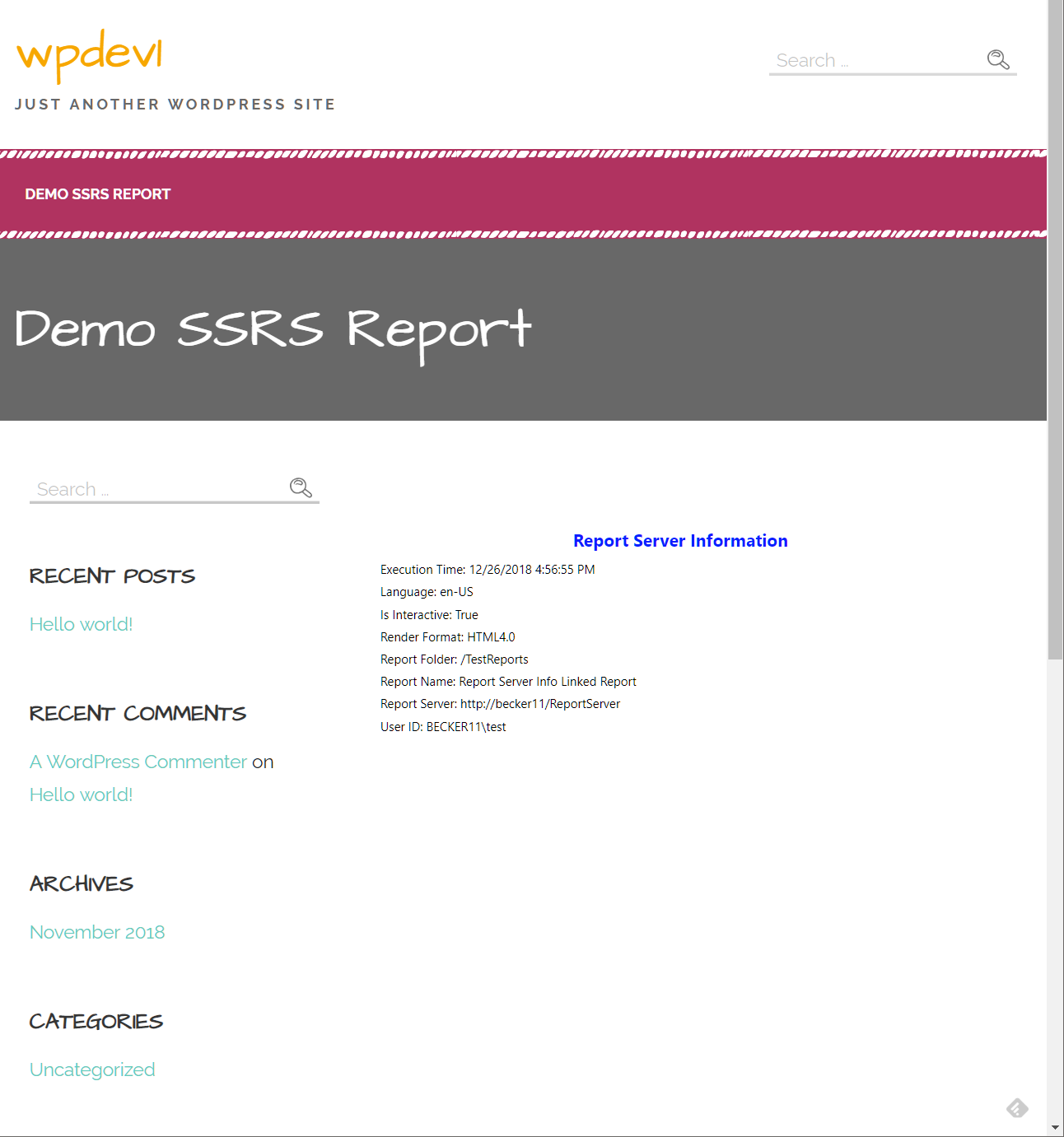
This renders the Report Server Info Linked Report as shown here:
ReportParameters via QueryString
The professional version supports passing report parameters via the querystring. The name of the parameter can be provided in the querystring as a key and the a related value passed in. The parameter key is not case sensitive and any number of parameters can be specified in the querystring. It is important to note that the parameter values that are specified in the querystring will be overridden by parameter values specified in the shortcode "parameters" attribute so make sure the values are not set in the shortcode if you want them to be set by the querystring.
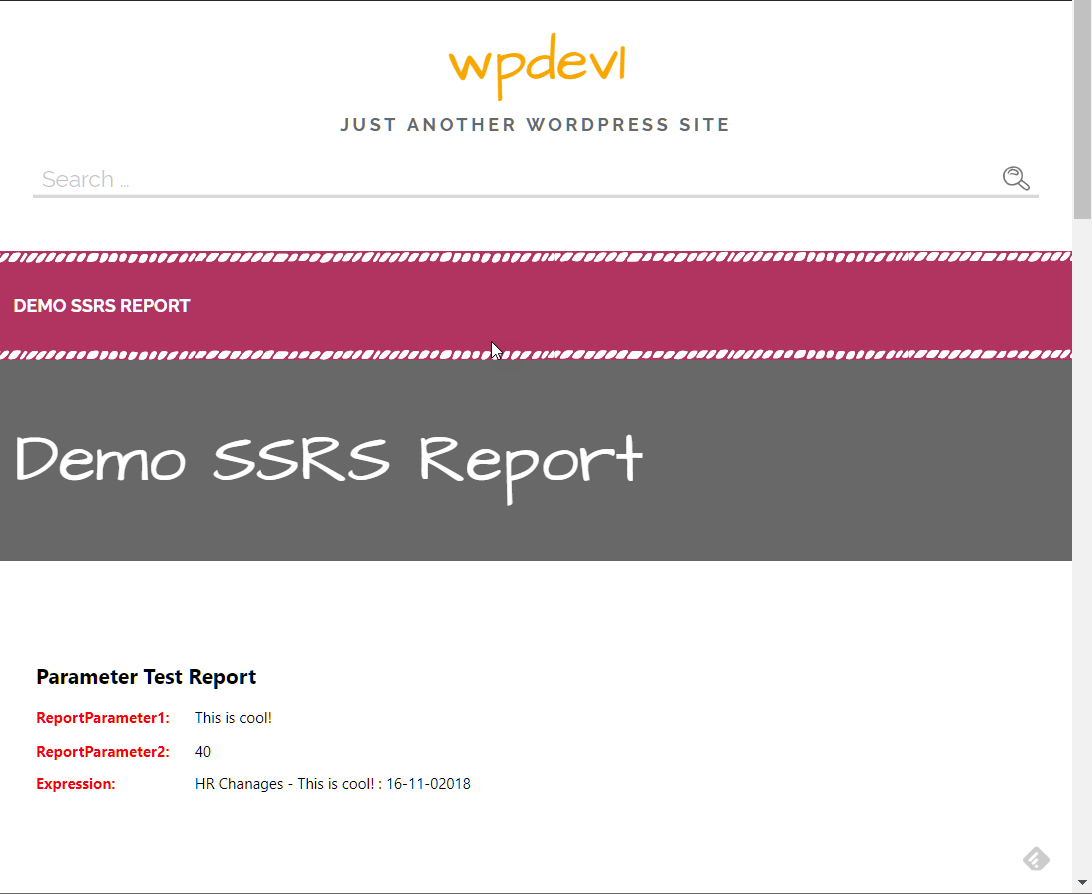
The following example querystring will pass in a parameter value "This is cool!" to the ReportParameter1 in the following example.
The shortcode looks like this:
[ssrs reportpath="/testreports/parmtest" height="1300px" width="100%"]
The querystring looks like this:
http://becker11:88/wpdev1/sample-page/?ReportParameter1=This%20is%20cool!
The non-encoded version works as well:
http://becker11:88/wpdev1/sample-page/?ReportParameter1=This is cool!
This renders the test report as shown here: